Project Handover Template: Build It From Your Actual Tasks, Notes, and Blockers
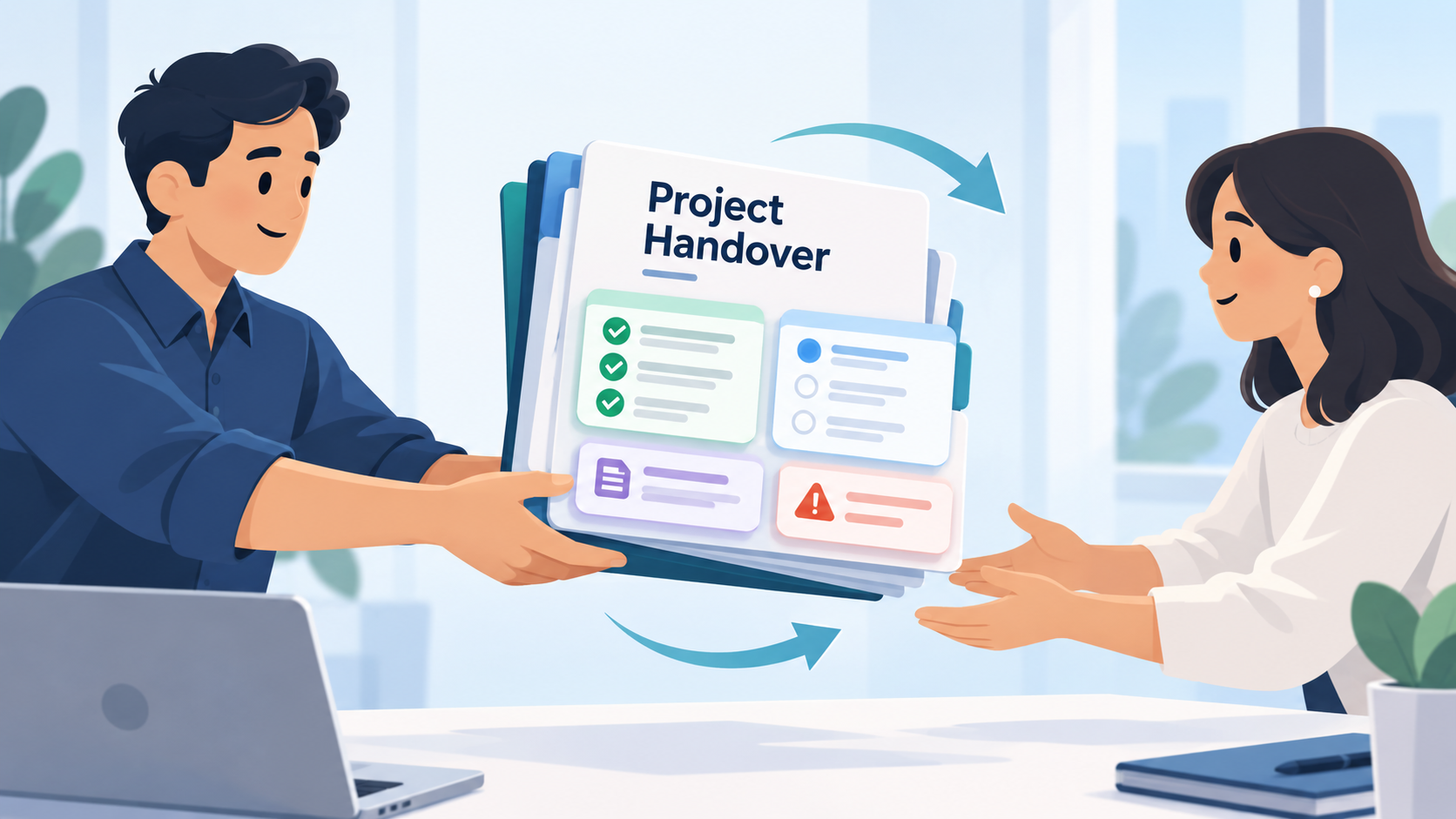
Use this project handover template to transfer active work clearly. Build the handoff from real tasks, statuses, notes, decisions, blockers, and next steps.

Information about task and project management tools, productivity, and how to actually get more done — without burning out.
Use this project handover template to transfer active work clearly. Build the handoff from real tasks, statuses, notes, decisions, blockers, and next steps.
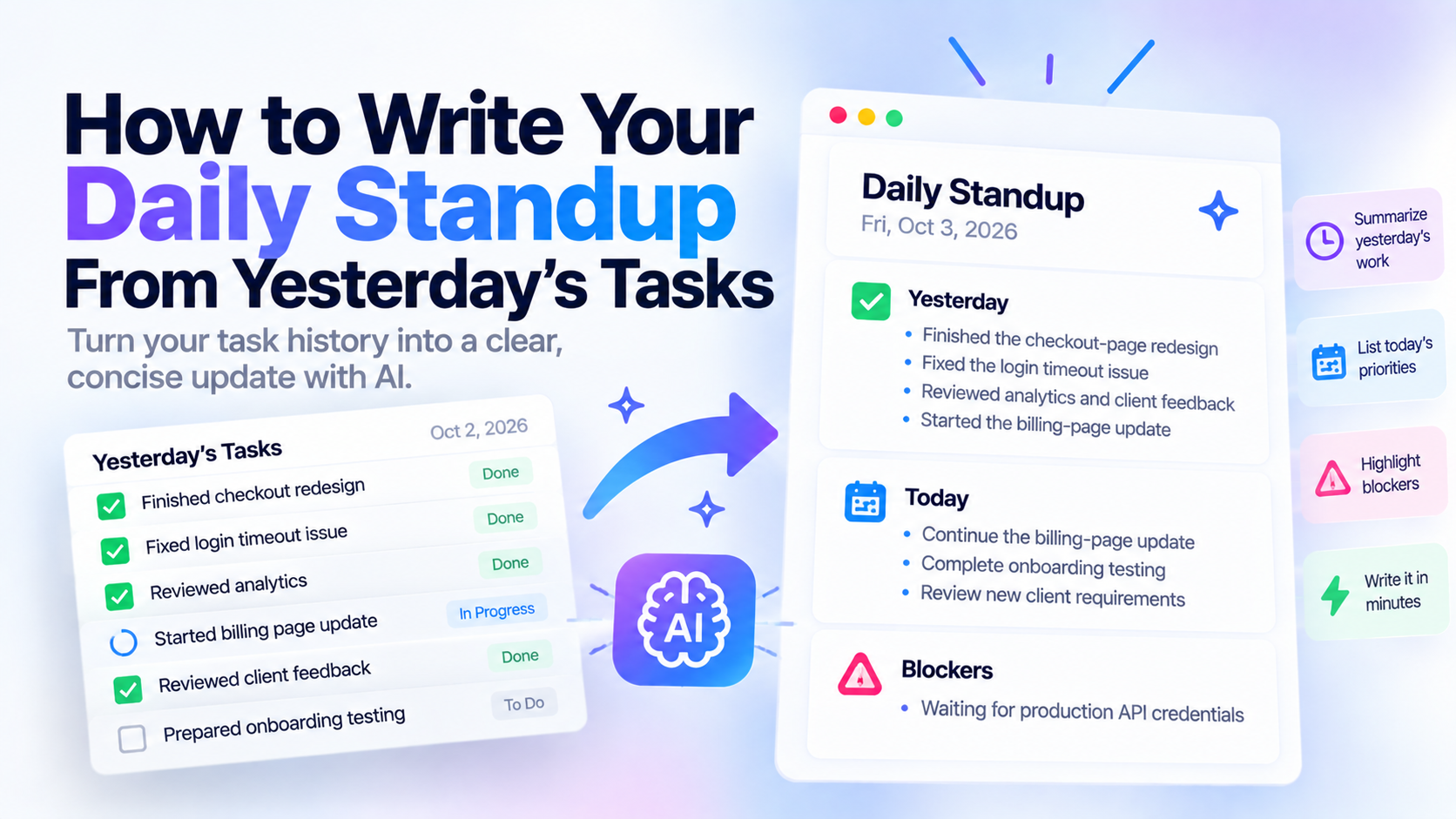
Learn how to write a clear daily standup update from yesterday’s actual tasks. Use a simple yesterday-today-blockers format and turn your task history into a concise update with AI.
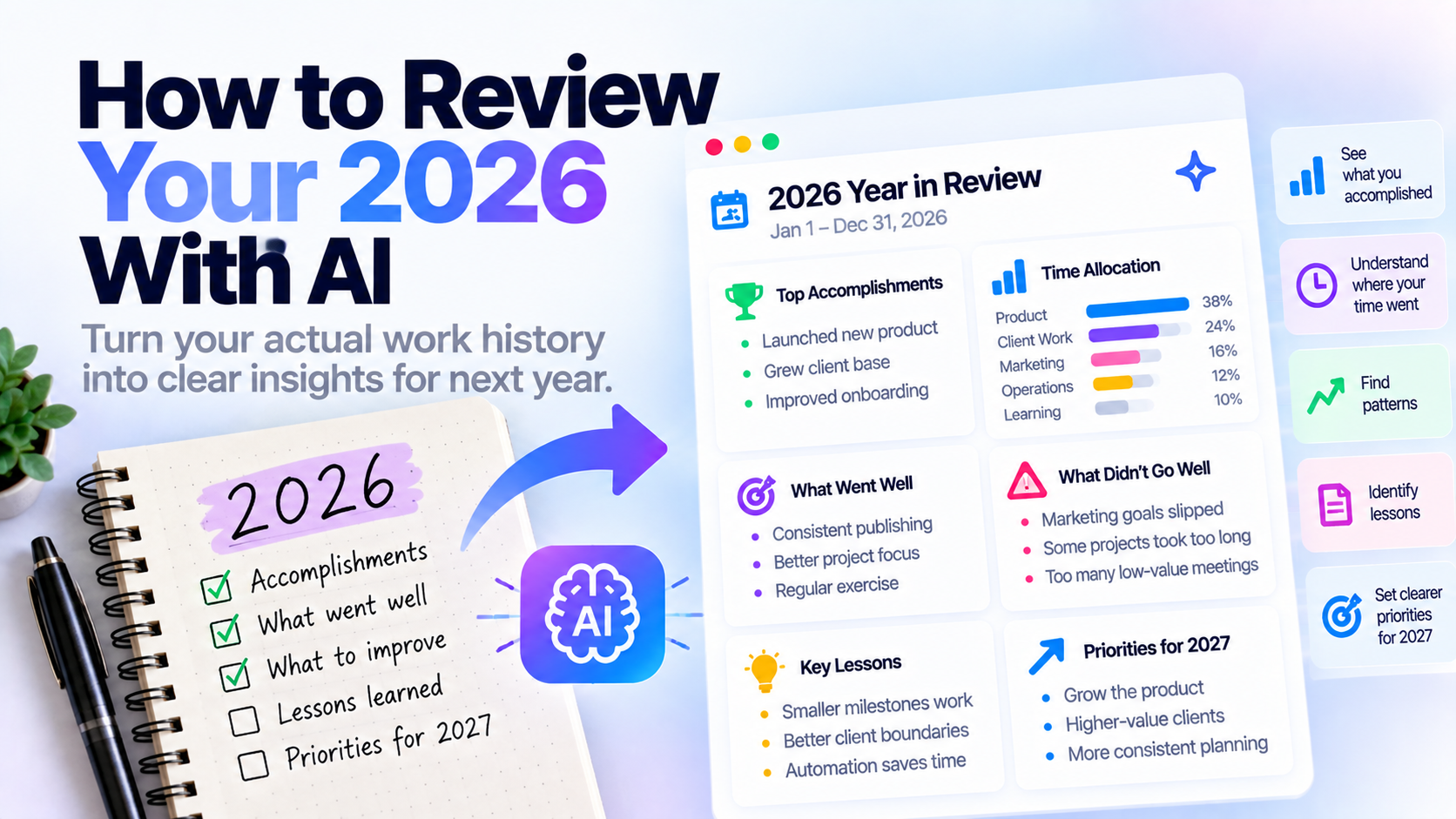
Review your 2026 with AI using your actual task history. Reflect on accomplishments, unfinished goals, time spent, patterns, lessons, and priorities for 2027.
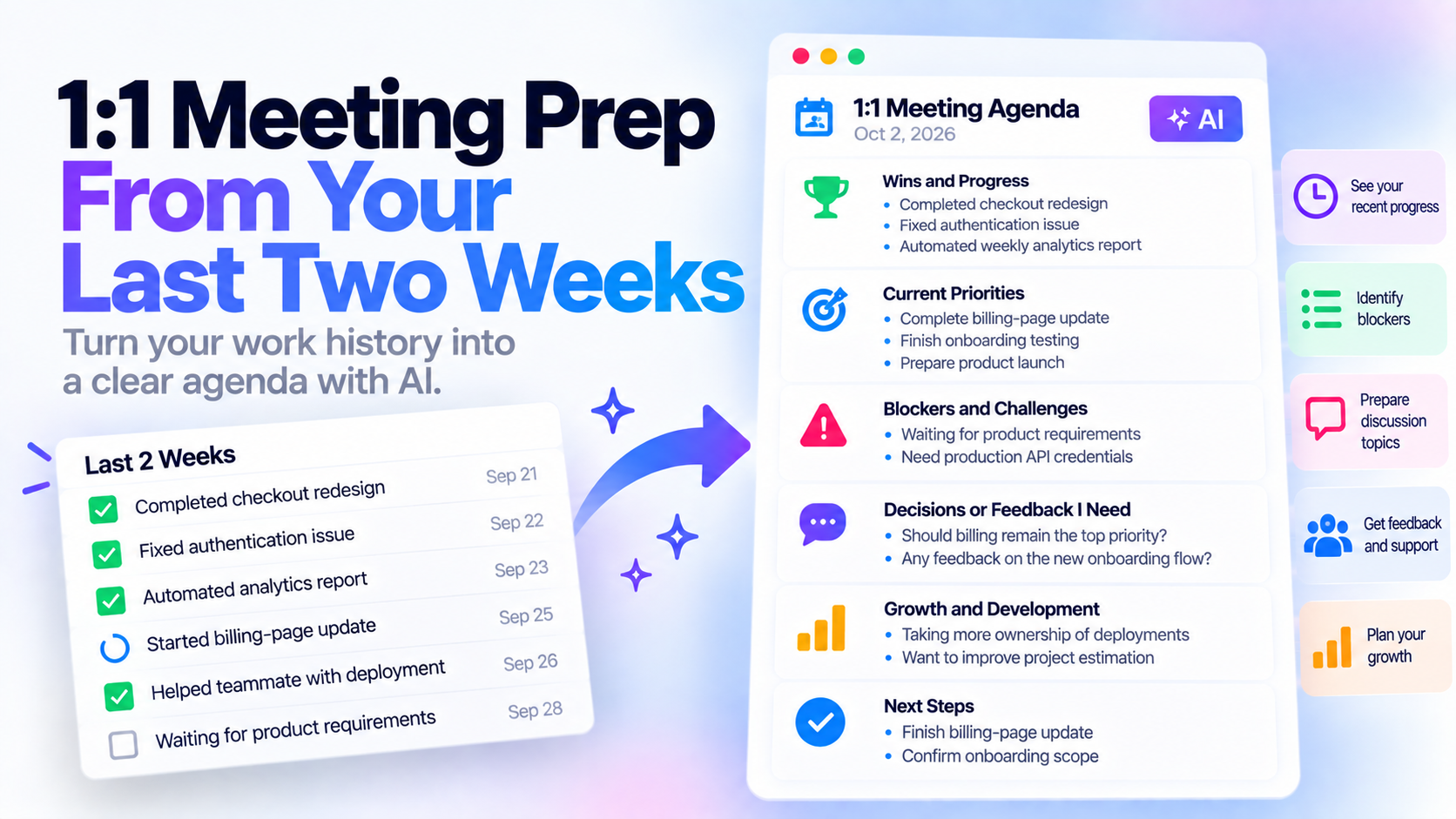
Prepare for your next 1:1 meeting using your actual work from the last two weeks. Use this agenda template to surface wins, blockers, priorities, and questions with AI.
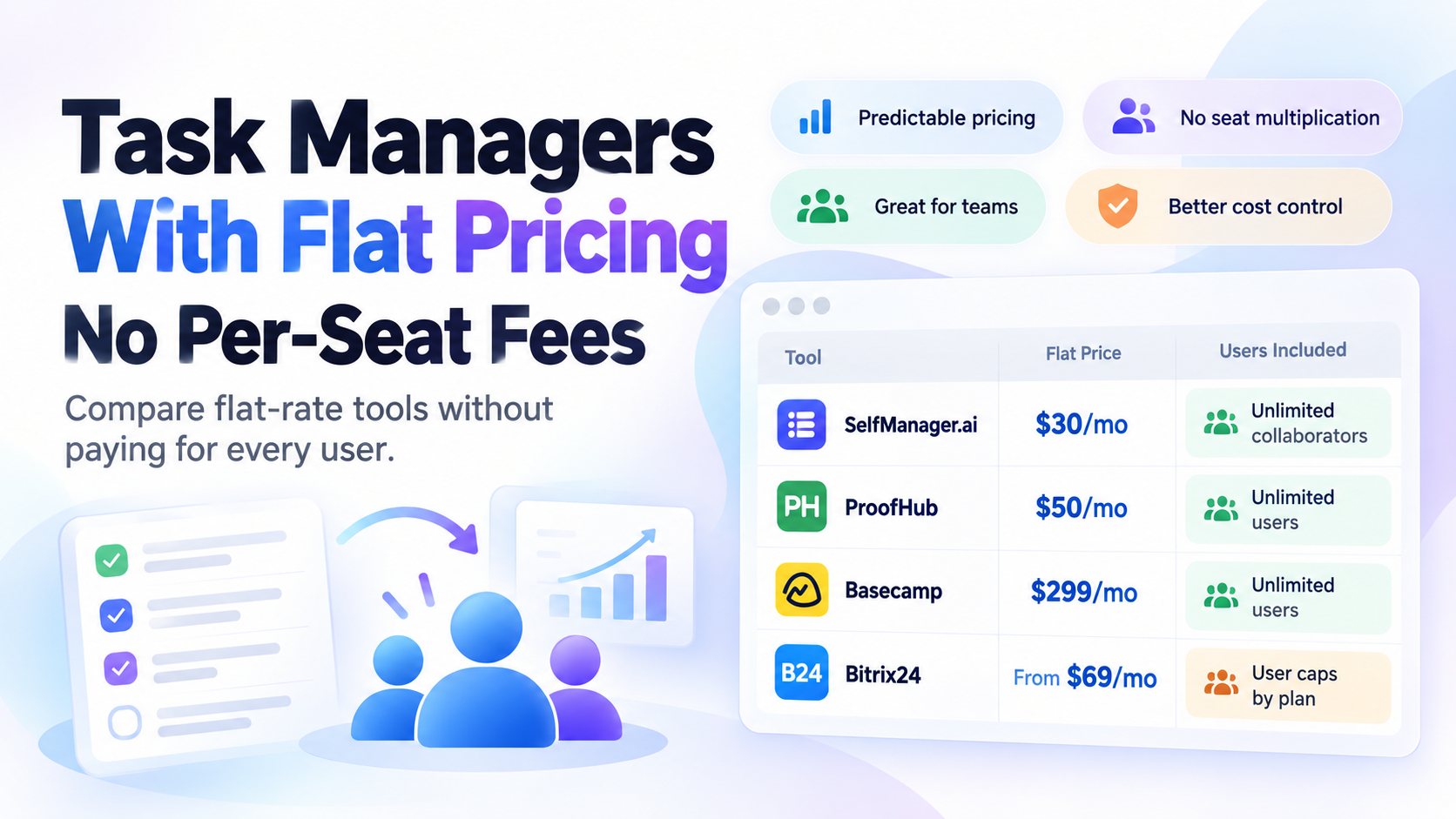
Looking for a task manager without per-user pricing? Compare flat-rate task and project management tools including SelfManager.ai, ProofHub, Basecamp, and Bitrix24.
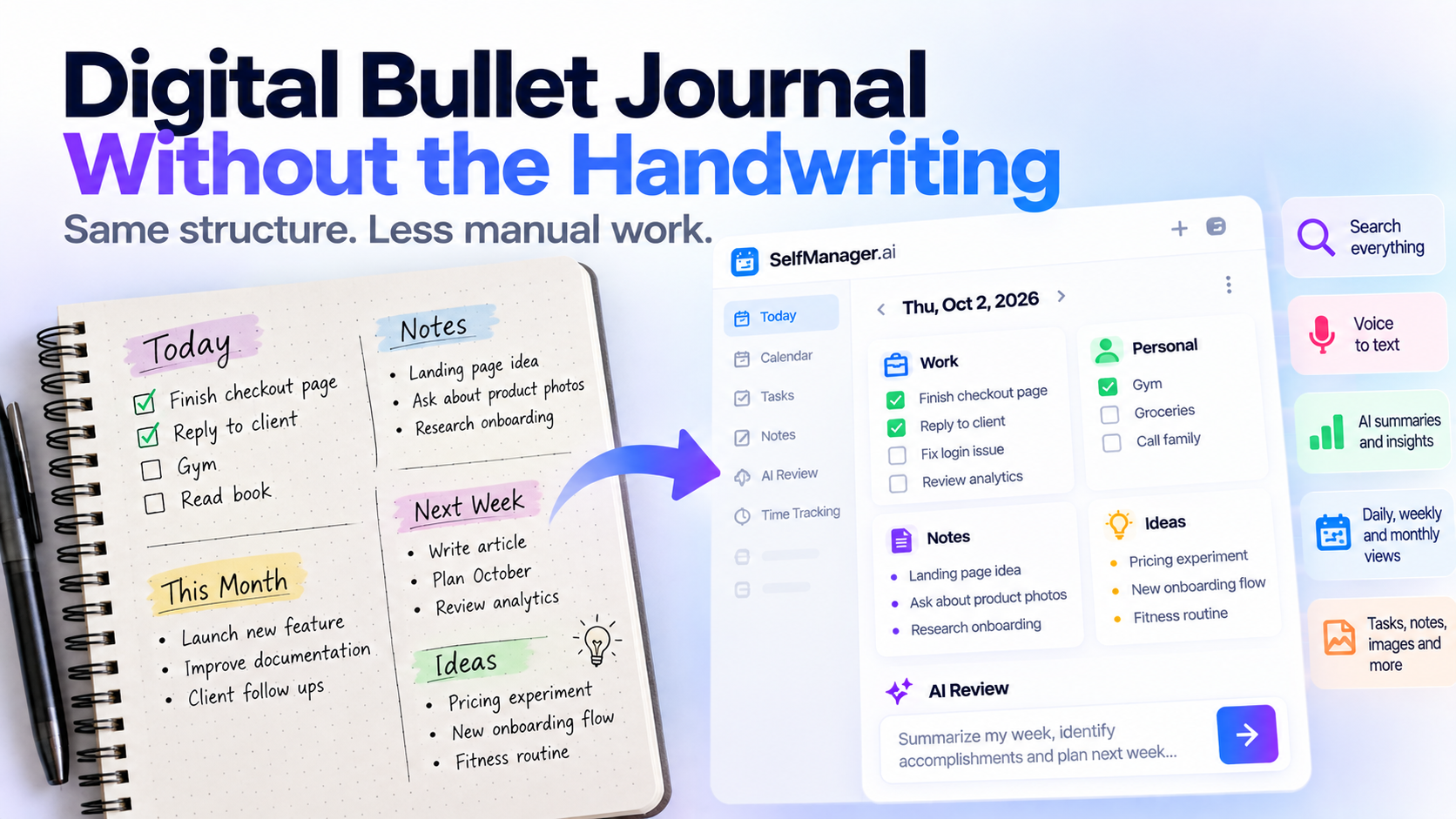
Want the structure of a bullet journal without handwriting every page? See how digital bullet journaling works, what features matter, and how date-based apps can replace much of the manual setup.
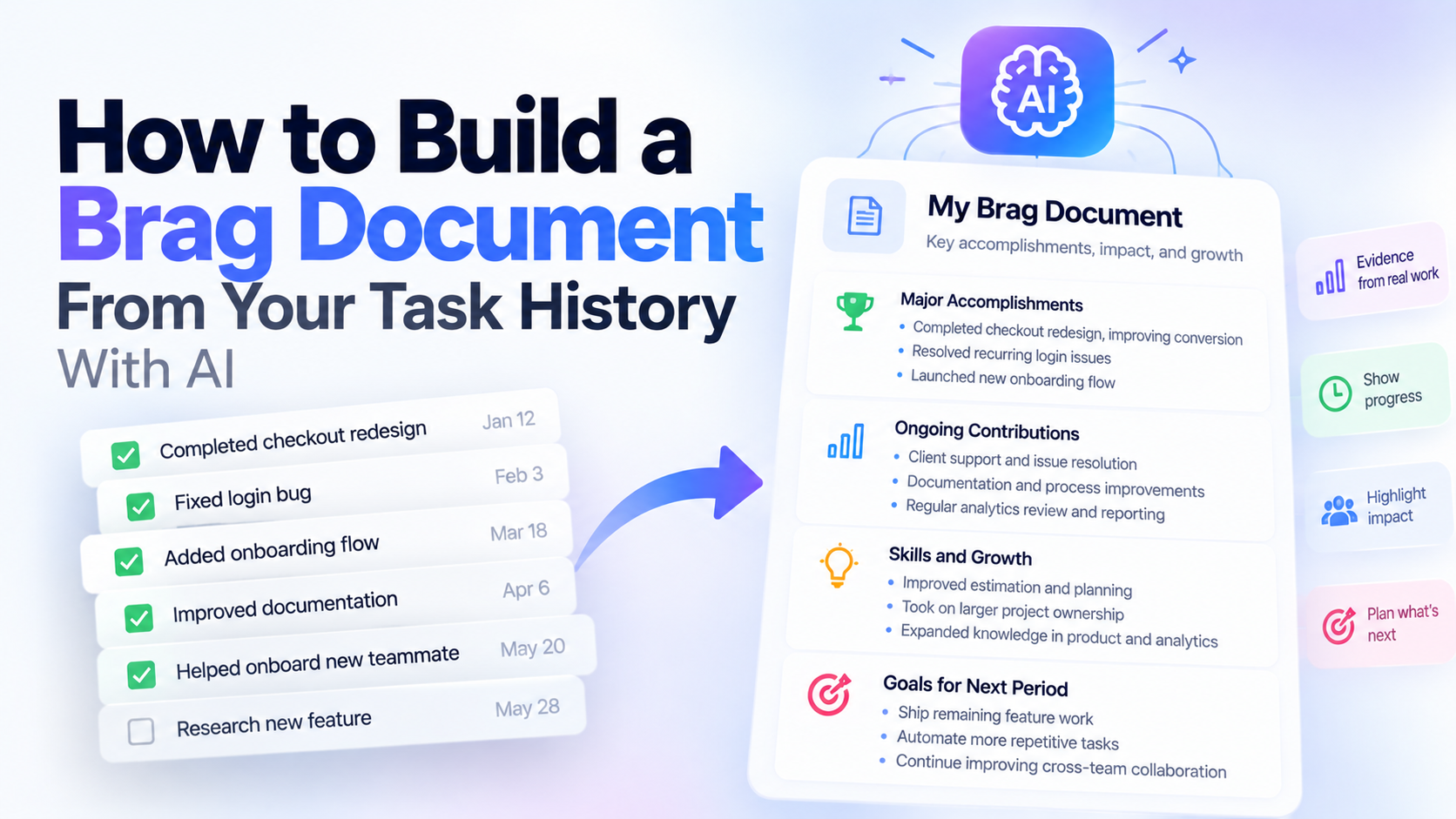
Learn what a brag document is, copy a simple template, and see how to build one from your actual task history instead of trying to remember months of accomplishments.
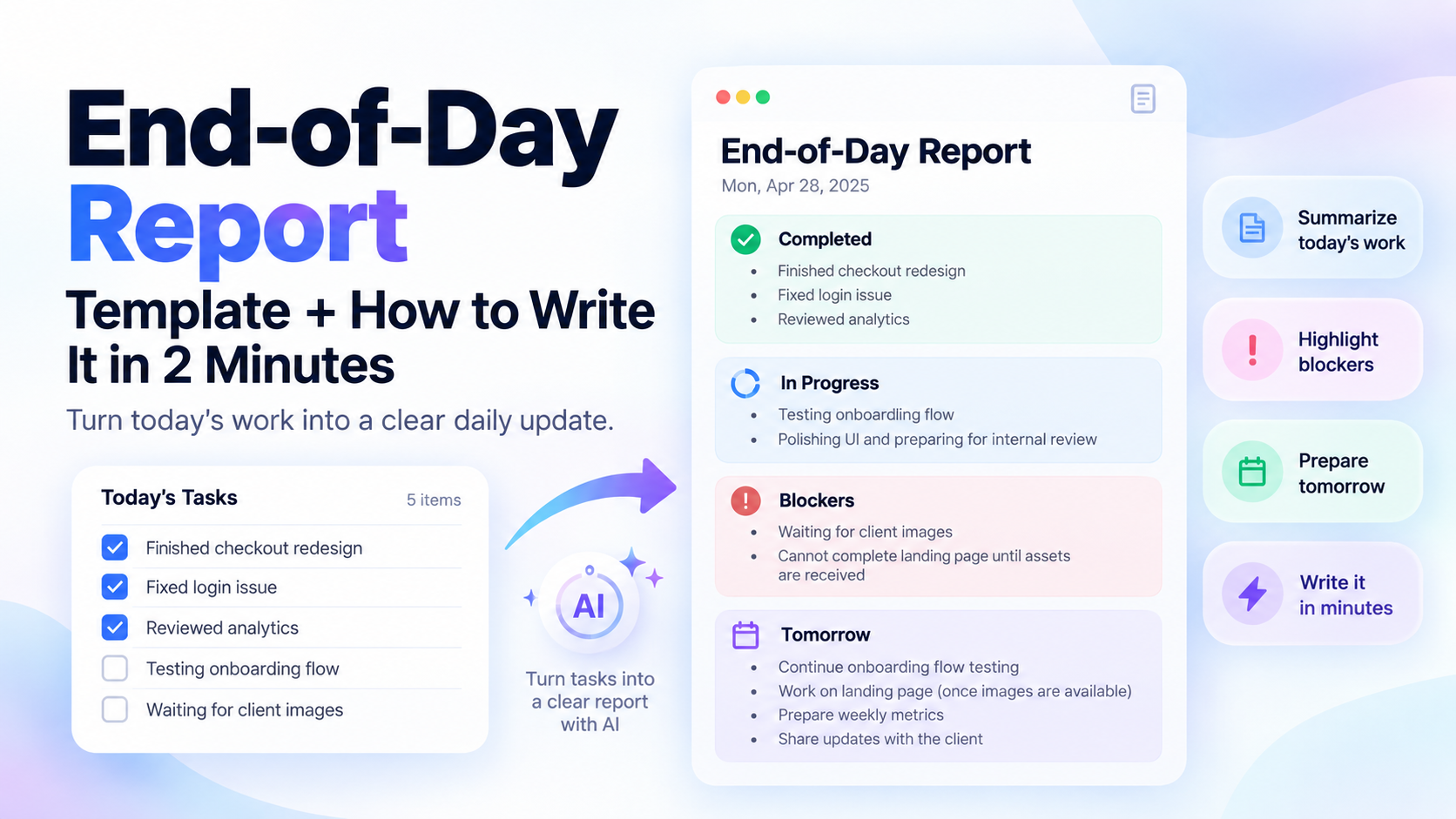
Copy a simple end-of-day report template and learn how to turn today’s completed tasks, blockers, and tomorrow’s priorities into a clear EOD update in minutes.
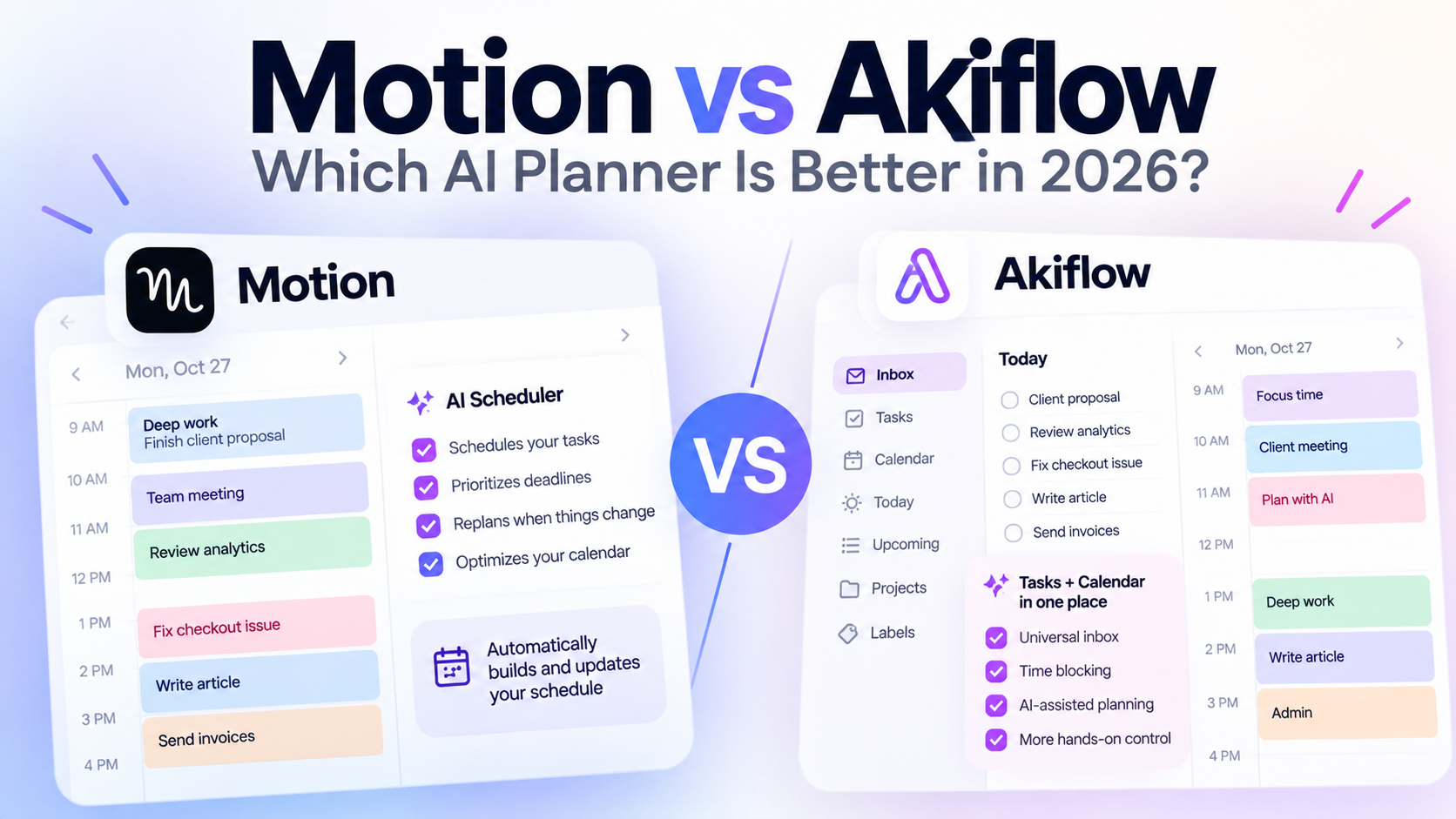
Motion vs Akiflow in 2026: compare AI scheduling, time blocking, task management, calendar features, integrations, pricing, and which productivity workflow each app fits best.
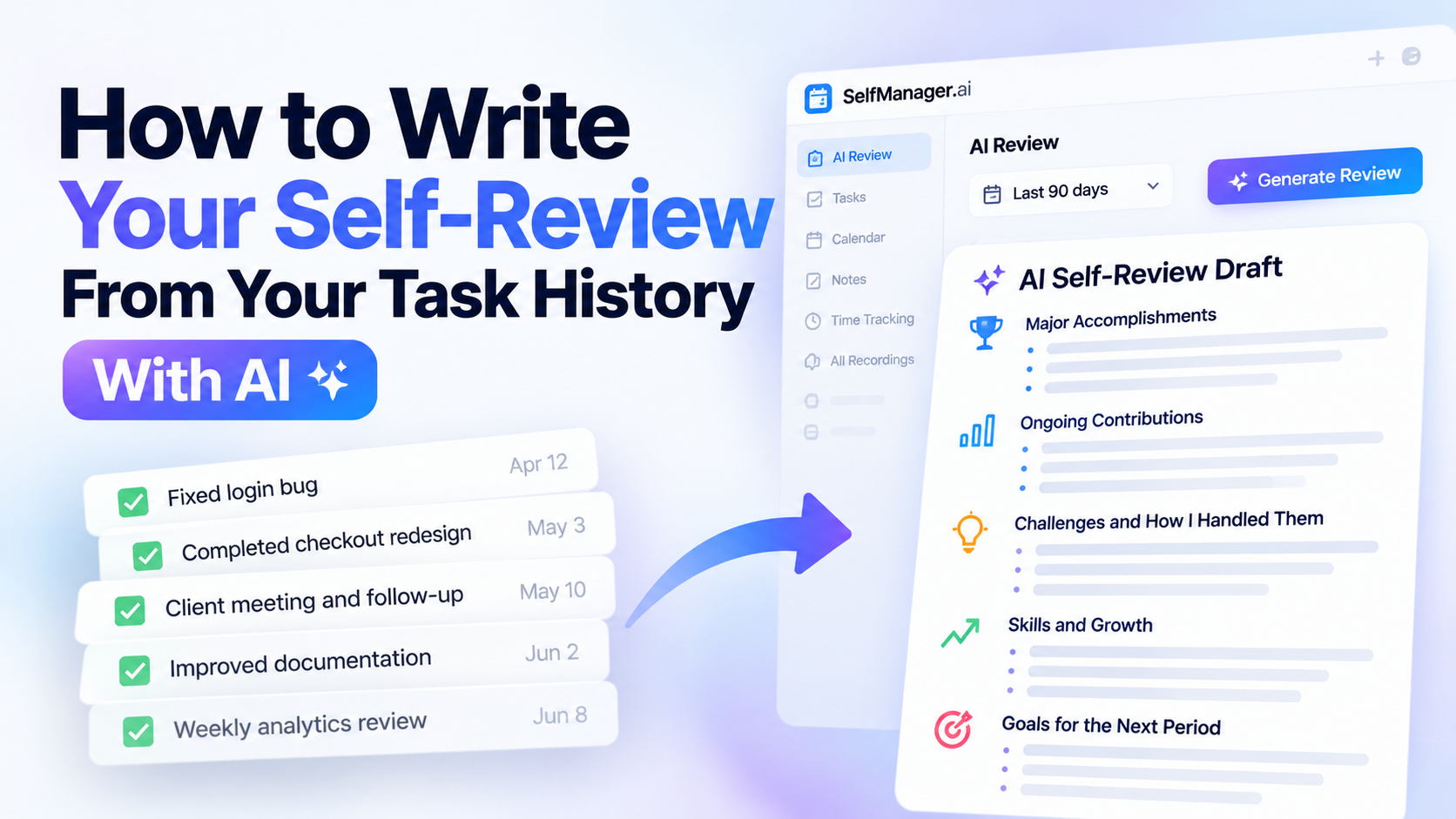
Learn how to write a stronger self-review using your actual task history. Turn completed work, progress, blockers, and wins into a structured performance review with AI.