Update: Self-Manager.net Now Redirects to SelfManager.ai (Domain Transition Complete)
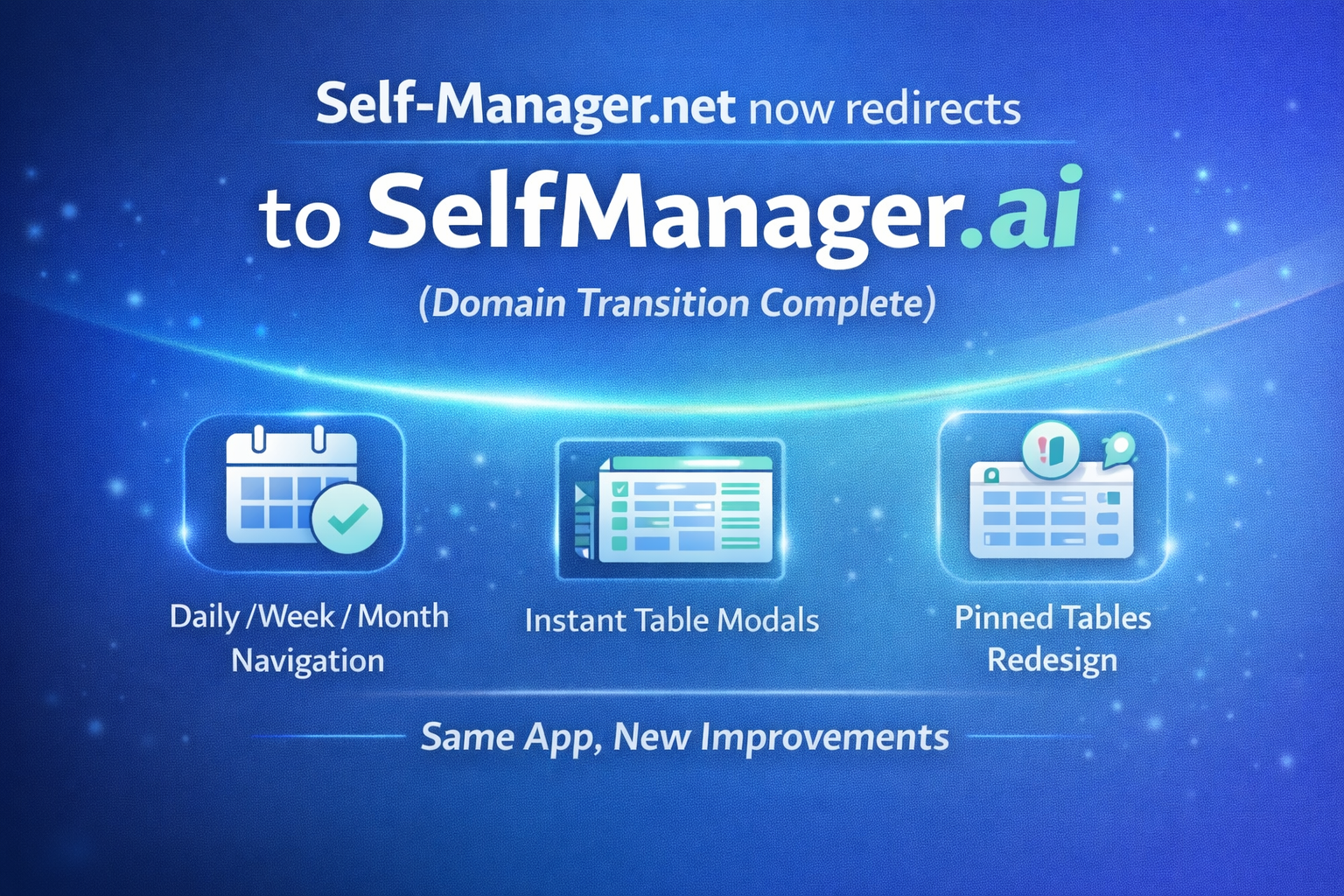
Quick follow-up to our earlier announcement: the domain transition is now complete ✅
Visiting Self-Manager.net will now automatically take you to SelfManager.ai — same app, same account, same data, same everything. This is simply the final step of the domain connection we announced previously.
If you missed the original post, here it is:
Self-Manager.net is becoming SelfManager.ai (same product, new primary domain)
What this means for you
- No action required — your login and data remain exactly the same
- Your old bookmarks still work — they'll simply redirect to the new domain
- You can use either domain, but going forward SelfManager.ai is the primary home
Recent updates we shipped
Along with the domain transition, we've been improving navigation and the day/week/month workflow so moving through your planning periods feels faster and more natural.
1) Week / Month pages now open tables instantly (modal)
When you're in Week or Month view and click a table/day, it now opens instantly in a modal, and you can do all the actions you can do in the Daily view (the homepage, where tables associated with a date are presented).
You can also navigate to the Daily view of that specific opened table/date whenever you want.
2) Desktop left navigation updated (Daily / Week / Month)
We updated the left navigation on desktop to make switching between core views much clearer:
- Daily (homepage / default view)
- Week (lists daily tables from a selected week period)
- Month (lists daily tables from a selected month period)
The goal: fewer clicks, less hunting, smoother context switching.
3) Pinned tables redesigned (homepage)
Pinned tables on the homepage got a new redesign to make them easier to scan and more pleasant to use.
4) Pinned tables now use the same modal workflow
Pinned tables now also leverage the same modal table view used in Week/Month pages.
That means you can open pinned tables on the fly, run commands, and do everything you'd do in Daily view — and still jump to the Daily view for that specific table/date if you want the full context.
5) Mobile navigation improvements
We improved the top navigation on mobile together with the left sidebar, making the app easier to navigate on smaller screens (fewer taps, clearer movement between sections).
More improvements are on the way
This is just the beginning of what we're shipping this year — more workflow upgrades, more AI-powered clarity, and more ways to make planning and reviewing feel light, fast, and practical.
Thanks for using Self-Manager, and welcome to the new home:
SelfManager.ai

AI Powered Task Manager
Plan smarter, execute faster, achieve more
Create tasks in seconds, generate AI-powered plans, and review progress with intelligent summaries. Perfect for individuals and teams who want to stay organized without complexity.
Get started with your preferred account