If You Work on a Computer, Here's Why You Need a Task Manager
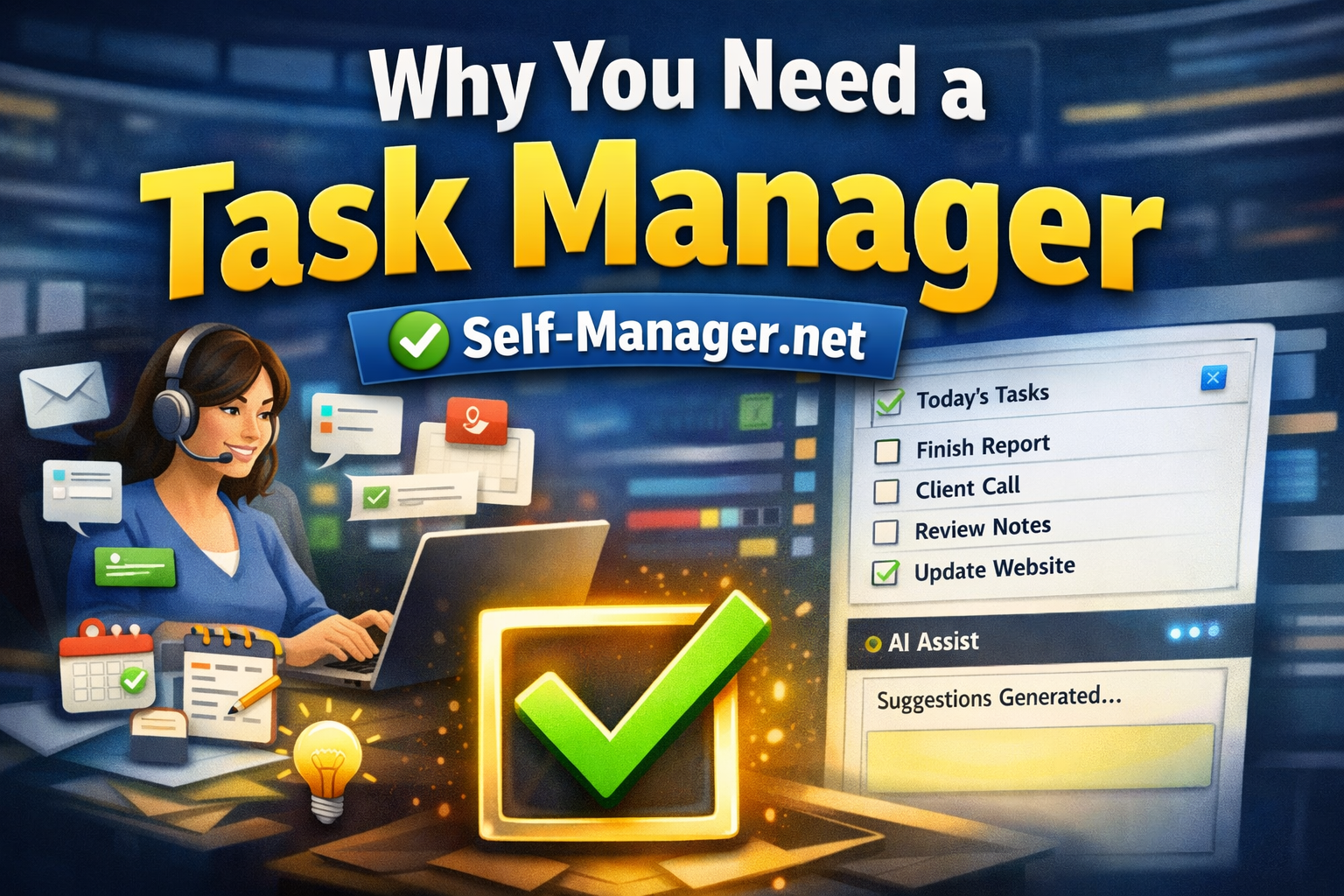
Most computer-based work looks "clean" from the outside.
You're sitting at a desk, you have tabs open, messages coming in, files to edit, meetings, tickets, notes, links, screenshots, drafts, follow-ups.
But mentally? It's chaos.
Because knowledge work isn't one job. It's 50 micro-jobs competing for your attention.
A task manager isn't just a list. It's a system that protects your focus, your memory, and your momentum.
Here's why that matters — and how SelfManager.ai helps specifically for people who live on a PC.
1) Computer work creates invisible work (and your brain can't hold it all)
When you work on a computer, your day is made of:
- Slack/Teams messages that require "later" replies
- emails that need follow-ups
- browser tabs you swear you'll return to
- client feedback buried in a thread
- quick bug fixes that turn into 2-hour rabbit holes
- ideas that appear mid-task
- "small" tasks that silently pile up
The issue isn't discipline. It's memory overflow.
Your brain is a creative engine, not a reliable storage device.
A task manager becomes your external memory — so your mind can focus on doing the work, not remembering the work.
2) Context switching is the #1 productivity killer on a PC
On a computer, switching tasks is effortless:
One click, new tab, new app, new chat, new thought.
And every switch has a hidden cost: you lose context. You re-open the mental file. You re-figure out what you were doing.
A good task manager reduces context switching because it gives you:
- a clear "today" list
- the next action for each task
- your notes and links next to the task
- one place to come back to after interruptions
That's the difference between "busy" and "productive."
3) Without a task manager, your day becomes reactive
If you don't have a plan, the loudest input wins:
- the newest message
- the most urgent email
- the easiest task
- the thing that triggers anxiety
That's not prioritization — that's survival mode.
A task manager gives you a default path for your day, so you don't wake up and immediately start reacting.
4) Your best work needs a "system of record," not scattered notes
Computer workers have notes everywhere:
- Notion pages
- Google Docs
- sticky notes
- Apple Notes
- message drafts
- screenshots
- bookmarks
- random "todo.txt" files
It feels organized… until you need something fast.
SelfManager.ai is built around a simple idea:
Your work happens on dates. So tasks, notes, comments, and plans should live on dates too.
That's how you turn scattered information into a usable workflow.
How SelfManager.ai Helps (Practical Features for Computer-Based Work)
1) Date-centric planning: day, week, month, quarter
Most task apps treat your life like one infinite backlog.
SelfManager.ai treats it like reality:
- what you do today
- what you plan this week
- what you're building this month
- what matters this quarter
That structure makes planning feel natural, not overwhelming.
2) One place for tasks + notes + comments (no more "where did I write that?")
Computer work is full of details: links, credentials, context, decisions, feedback.
In SelfManager.ai you can keep the context where it belongs — right next to the work — so you don't lose time searching.
3) Fast capture when you're in the flow
When you're coding, designing, writing, or editing, you can't afford to break flow.
A task manager should let you capture something quickly, then return to focus.
SelfManager.ai is built for quick, low-friction planning and updates — especially when you're living in a browser all day.
4) Weekly / monthly review built into the system (this is where the growth happens)
If you never review, you repeat the same messy weeks forever.
SelfManager.ai supports reviewing your time and output by period, so you can answer:
- What did I actually finish?
- What kept getting postponed?
- What should I stop doing?
- What's the next realistic plan?
Reviews are how you turn effort into progress.
5) AI features that reduce mental load (not gimmicks)
When you're doing knowledge work, the burden isn't typing — it's thinking, sorting, summarizing.
SelfManager.ai's AI features help you:
- summarize activity on a day/week/month/quarter
- extract action items from notes
- turn messy thoughts into clear tasks
- get faster reviews without spending an hour writing recap notes
The point is simple: less admin, more execution.
What Changes When You Use a Task Manager Daily
Here are the real-world benefits computer workers notice first:
- You stop losing tasks in messages and tabs
- You get fewer "oh no, I forgot" moments
- You focus longer because you trust your system
- Planning becomes quicker (because you're not starting from zero every day)
- You feel calmer because your brain isn't trying to hold 40 open loops
That's what a task manager is for.
Not to make you "hustle."
To make your work clear, realistic, and repeatable.
A Simple Starting Routine (5 minutes per day)
If you want the easiest way to start using SelfManager.ai (or any task manager), do this:
- Morning (3 minutes): plan today — choose the few tasks that actually matter
- During the day (capture): add tasks the moment they appear (don't store them in your head)
- End of day (2 minutes): mark progress and move unfinished tasks intentionally
- Weekly (10 minutes): review the week and plan the next one
That routine alone will outperform most "productivity hacks."
Final Thought
If you work from a computer, you don't have a time problem.
You have an attention + memory + clarity problem.
A task manager fixes that by becoming your system of record.
And if you want a tool built for real planning — day / week / month / quarter — with tasks, notes, reviews, and AI support in one place…
SelfManager.ai was built for exactly that.
AI Powered Task Manager
Plan smarter, execute faster, achieve more
Create tasks in seconds, generate AI-powered plans, and review progress with intelligent summaries. Perfect for individuals and teams who want to stay organized without complexity.
Get started with your preferred account